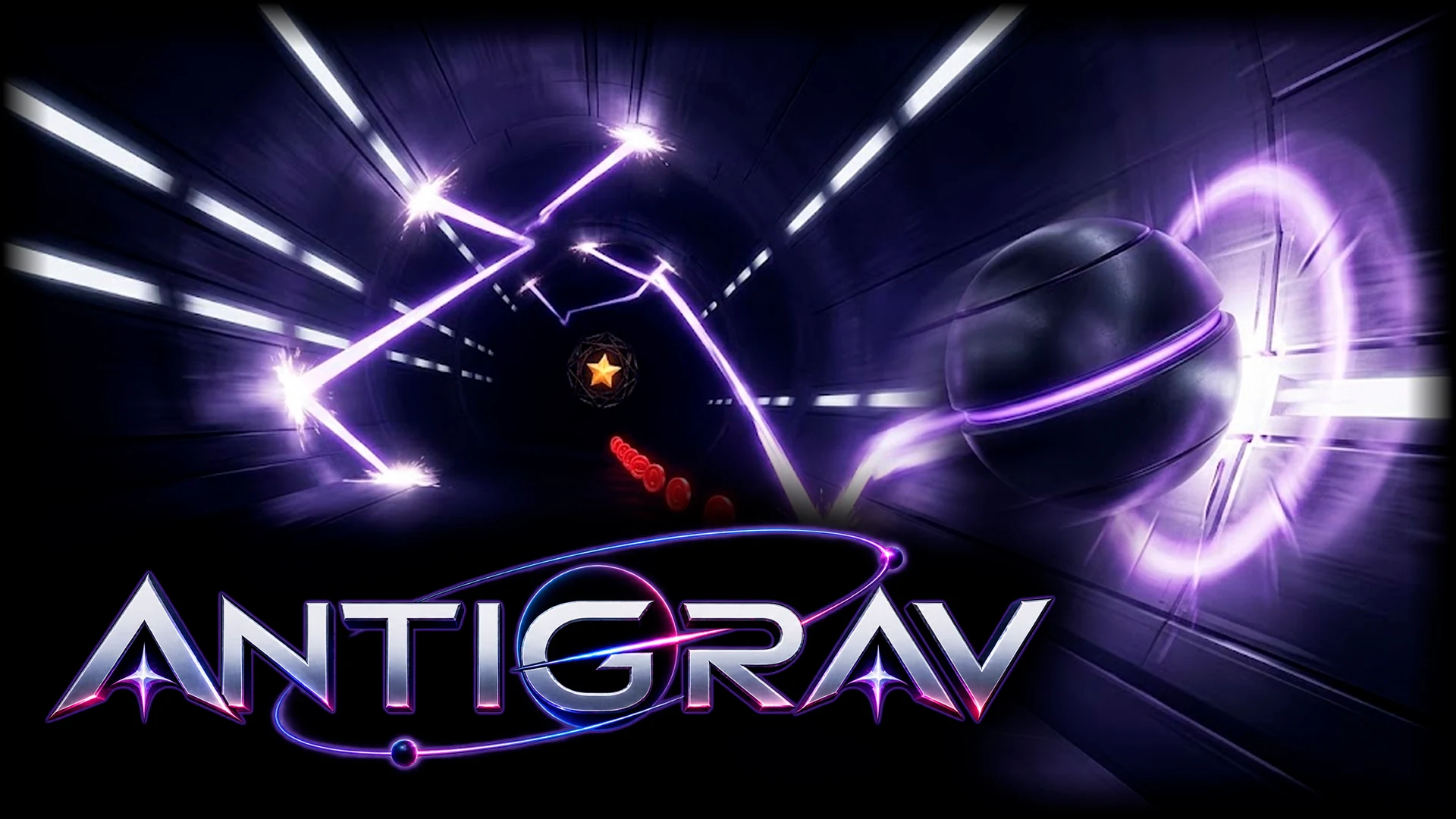
The other chapters explain the rules. This one turns them into habits. Every technique here follows from how the game actually works, so if one feels wrong at first, the chapter it comes from explains why it holds up.
Read the corridor, not the craft
Find the hazard wall
Most hazards sit on one wall at a time, and the other wall is kept clear. The first thing to read on any new stretch is which wall is which. The clear wall is your home: arcs that touch it are safe, and the space next to it is where you recover.
Treat a block on the clear wall as a signal
When a large block appears on the wall that has been clear, the sides are about to swap. The game always leaves an empty stretch after that block, long enough to cross the corridor at the level's top speed. Start crossing as soon as you see it, not when you reach it. Late in the campaign you cannot cover the whole corridor in the time between seeing a hazard and meeting it, so this early warning is the only reliable way to arrive on the right side.
Expect the scheduled pillars
Every level has tall pillars on the hazard wall at about 30%, 58% and 82% of the run. Watch the progress percentage in the objectives box. When it nears those marks, favour the clear half of the corridor.
Control your height
Double-tap to brake
Every tap cancels your vertical speed. Two quick taps put gravity back the way it was and leave you with no vertical speed at all. Use it when an arc is carrying you too far toward a hazard: tap, tap, and you start again from rest. It costs nothing, unlike the field.
Hover with the field
Holding the button damps your vertical speed hard, which is the closest thing to standing still. Remember a hold always starts with a flip, so press while gravity is pointing away from where you want to drift. A full reserve is about 2.4 seconds and there is no meter, so use short holds rather than one long one, and let go to recharge between them.
Let the walls do the work
Because the wall throws you back, you never need to tap just to leave a wall. Tap only to change your arc mid-air. Fewer taps means a calmer, more predictable line.
Take red coins cleanly
Red coins sit on the hazard side, about a third of the way in from the hazard wall. The safest approach is an arc from the clear side whose peak lands at the coin's height, so you touch the coin and turn back toward safety in the same motion. Arriving on a straight line toward the hazard wall means you are still travelling that way after the pickup.
When the line to a coin is blocked, hold the field. It pulls the coin toward you from a large radius and slows your fall at the same time, so you can stay on the clear side and let the coin come to you. This is the move that saves most second stars.
On Easy, the coins come at roughly 10%, 30%, 50%, 70% and 90% of the level. Knowing that, you can be in position before each one is on screen.
Charge the key every time
The anchor pocket arrives at 30% of the level. Two habits make it reliable:
- Arrive with some field in reserve. Charging does not drain the field, but the field has to be able to switch on, which needs a small amount of reserve. Avoid holding in the second or two before the pocket.
- Press and hold as soon as you are inside. The world stops scrolling the moment the field comes on, and the pocket pulls you to its centre. There is no reason to wait for a better position.
After the CAGE OPEN callout, the star appears at about 62% of the level, near the middle of the corridor. Take a central line through that part of the level so the star is never more than a short arc away.
Bounce for speed and score
Aim at downslopes
A bounce off a wall that falls away from you converts your fall into forward speed. The longer the fall and the steeper the slope, the bigger the gain. When you have a choice, time your flips so that you meet the wall where it drops away. Levels with rippled walls, Freefall and the late levels especially, put a slope under you at almost every bounce.
Keep the charge above half
A slingshot needs more than half your bounce charge. Each hit spends 22% and flight restores 55% per second, so after a slingshot give yourself a moment of air before the next hit. The crimson arc around the craft is your gauge; once it turns grey, a slingshot is out of reach until it recovers.
Use head-on ramps to climb
A wall rising into you costs speed but throws you away from it for longer. When you need height in a hurry, for example to reach the far side after a flip block, a head-on hit gives you the strongest push back across the corridor.
Fly heavy
Every red coin makes gravity stronger, up to 1.34 times normal with all five on Easy and 1.55 times at the top of the scale on Hard. A heavy craft falls faster, so the same tap gives a shorter, sharper arc. After your third coin, when the light starts bending, shorten your taps and give hazards a wider margin. The good news is that the field recharges faster while you are heavy.
On Hard, the eighth coin opens the event horizon at about 90% of the level, right where the speed peaks. Do not relax when it opens; use the slow motion to thread the last hazards before the finish.
Practise efficiently
- Learn in segments. Campaign layouts never change, and after most crashes the level restarts by itself and shows the percentage you reached. Treat each stretch as a drill.
- Unlock first, perfect later. Any finish unlocks the next level. Pushing ahead shows you the new hazards early, and stars are kept per level, so you can come back for the second and third whenever you like.
- Collect stars on Easy, bullion on Hard. Stars do not depend on difficulty, so Easy is the efficient route to rank. Hard pays eight coins a level instead of five.
- Scout with your first Daily. The Daily layout is the same for the whole day, so your first attempt is also your map for the other two.
- Turn down the effects if they hide the corridor. Settings has Off, Low and Full for both screen shake and flash effects.